BUILD CARD · MEDIUM
Musical Doorbell
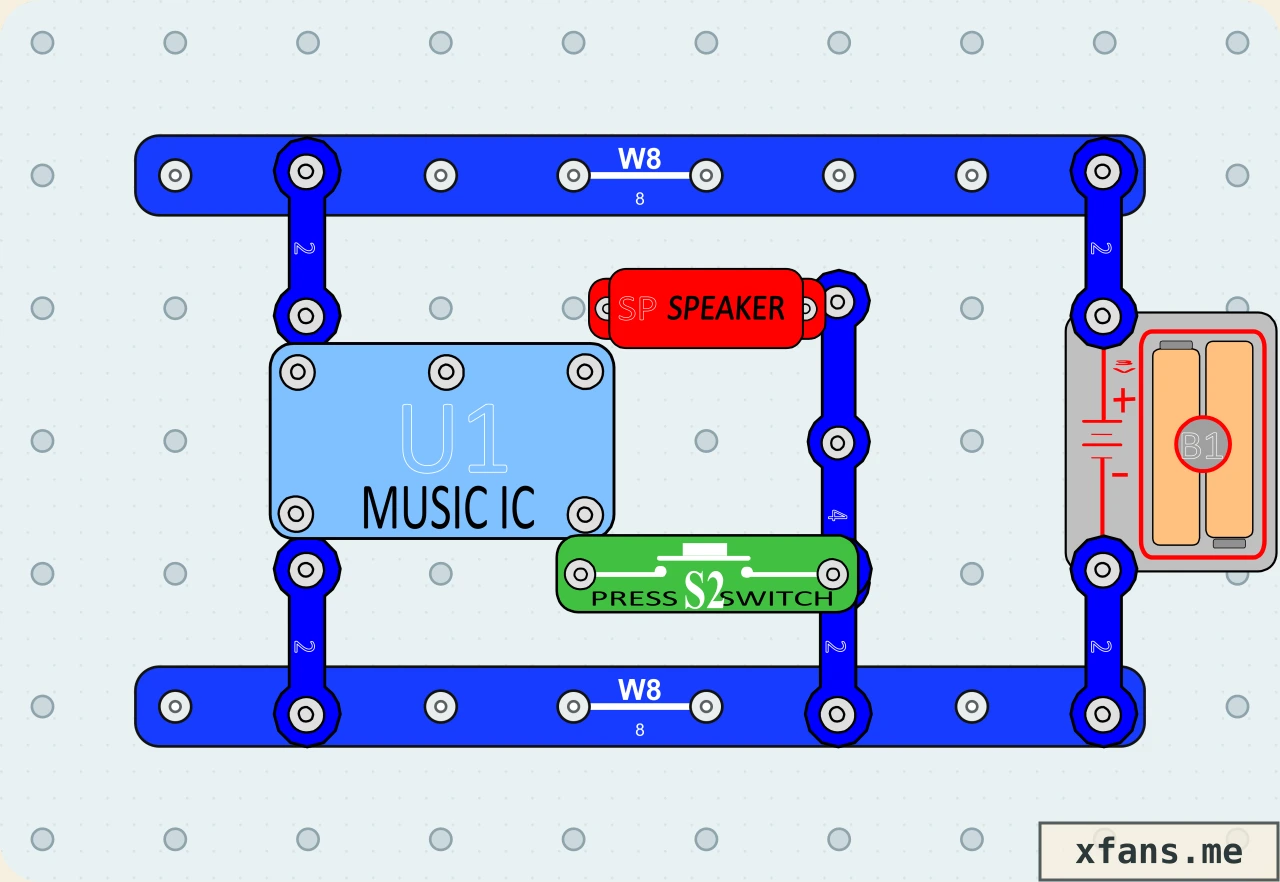
Recreate manual Project 5 with a press switch, music IC, and speaker.
- Time
- 25 min
- Age
- 9+
- Pieces
- 12
- Board
- 10×7
- Build and check a 10×7 snap-grid circuit from a visual diagram.
- A momentary trigger starts the music IC, which drives an electrical tune through the speaker.
02 / PARTS CHECK
Parts list
- 2×8-snap wireconnector
- 5×2-snap wireconnector
- 1×4-snap wireconnector
- 1×Music ICintegrated-circuit
- 1×Speakeroutput
- 1×Press switchswitch
- 1×3V two-cell battery holderpower
03 / ASSEMBLY
How to build the circuit
- 1
Disconnect the battery and clear the base grid before placing any part.
- 2
Match the final diagram one grid position at a time, placing connecting wires and lower layers first.
- 3
Check the direction of every LED, diode, transistor, battery, and other terminal-sensitive part.
- 4
Press every shared snap firmly, check that no wire shorts the battery, then connect power last.
04 / FIELD NOTES
How it works
The press switch triggers the music integrated circuit.
The IC produces a changing electrical signal.
The speaker turns that signal into a tune.
Explore more switch circuit projects →
05 / TEST
Test and expected result
- What to do
- Press the doorbell button once, then try a longer press.
- What to expect
- The music IC sends its tune to the speaker when triggered.
06 / SAFETY
Build smart
- Use only the 3V two-cell battery holder.
- Never connect the battery terminals directly together.
- Disconnect the battery before moving any component.
07 / TROUBLESHOOTING
If it does not work
- Press every overlapping snap down firmly.
- Check the battery direction and replace weak batteries.
- Compare every component position with the final diagram.
08 / FREQUENTLY ASKED QUESTIONS
Questions about this circuit
What is the main idea behind this circuit?
A momentary trigger starts the music IC, which drives an electrical tune through the speaker.
What should I check first if it does not work?
Press every overlapping snap down firmly.
09 / RELATED BUILDS
Try a similar circuit
Continue with another build that shares the same components, ideas, or difficulty.
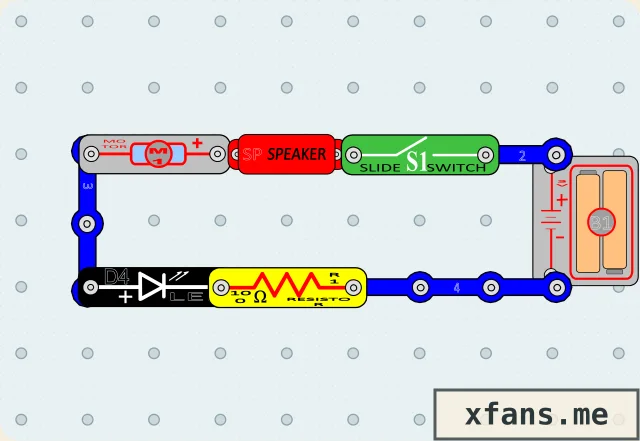
Motor Sound with LED
A protected LED variation of manual Project 31 that makes motor-current changes visible.
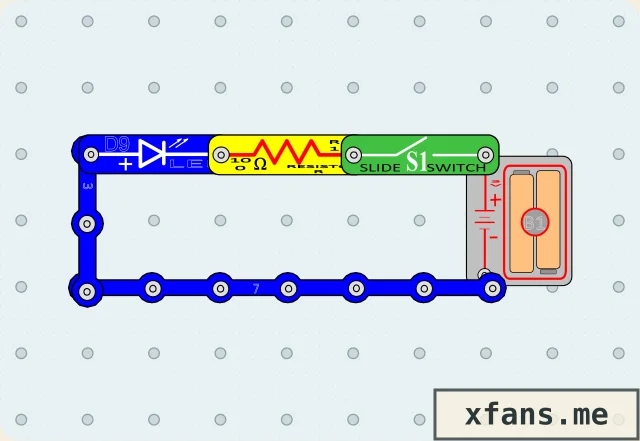
Blue LED Switch Light
Replace the color LED in manual Project 2 with a blue LED and keep the current-limiting resistor.
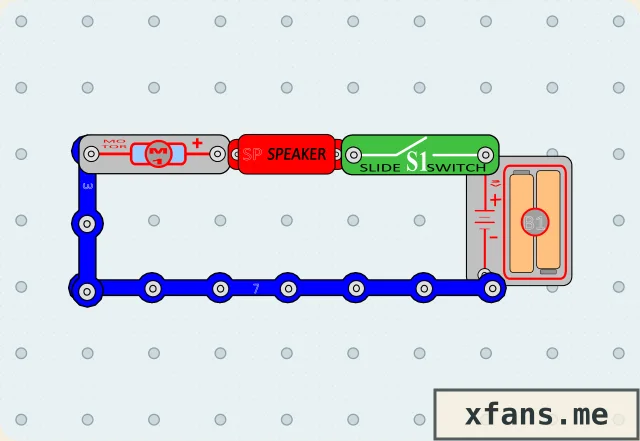
Hear the Motor
Recreate manual Project 30 by putting a motor and speaker in the same current path.